Ad and tracker blocking, built in
EasyList and EasyPrivacy, with no extension to install. It can reduce unnecessary requests; actual load time depends on the site and network, and blocking can be paused for any one site.

 Sage Showbrowser
Sage · Sage Showbrowser
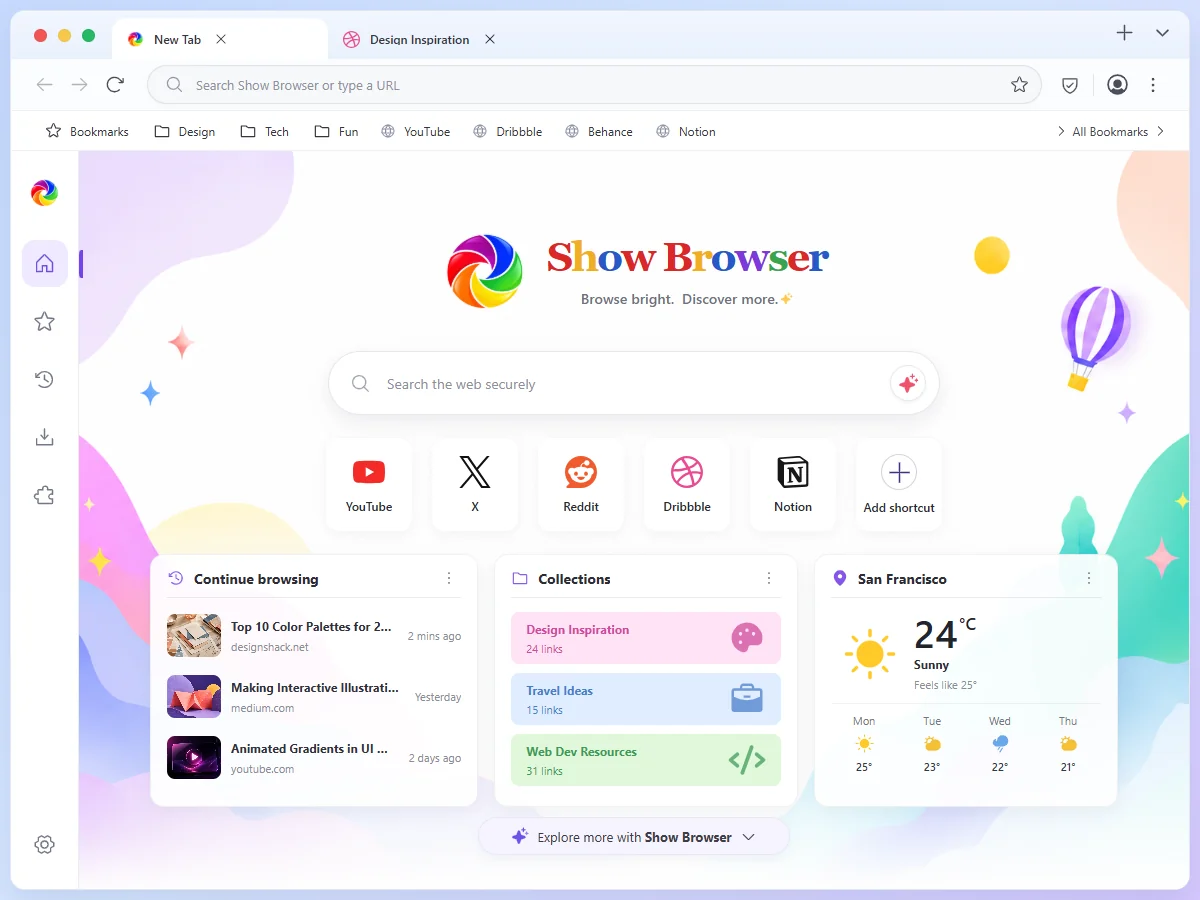
Built by Sage, a Thai team: Thai first in every menu and warning, ad and tracker blocking built in, and every site opens as it should.
There is no macOS version yet. The Windows installer runs on Windows 10 and 11; on iPhone and iPad, use the App Store.
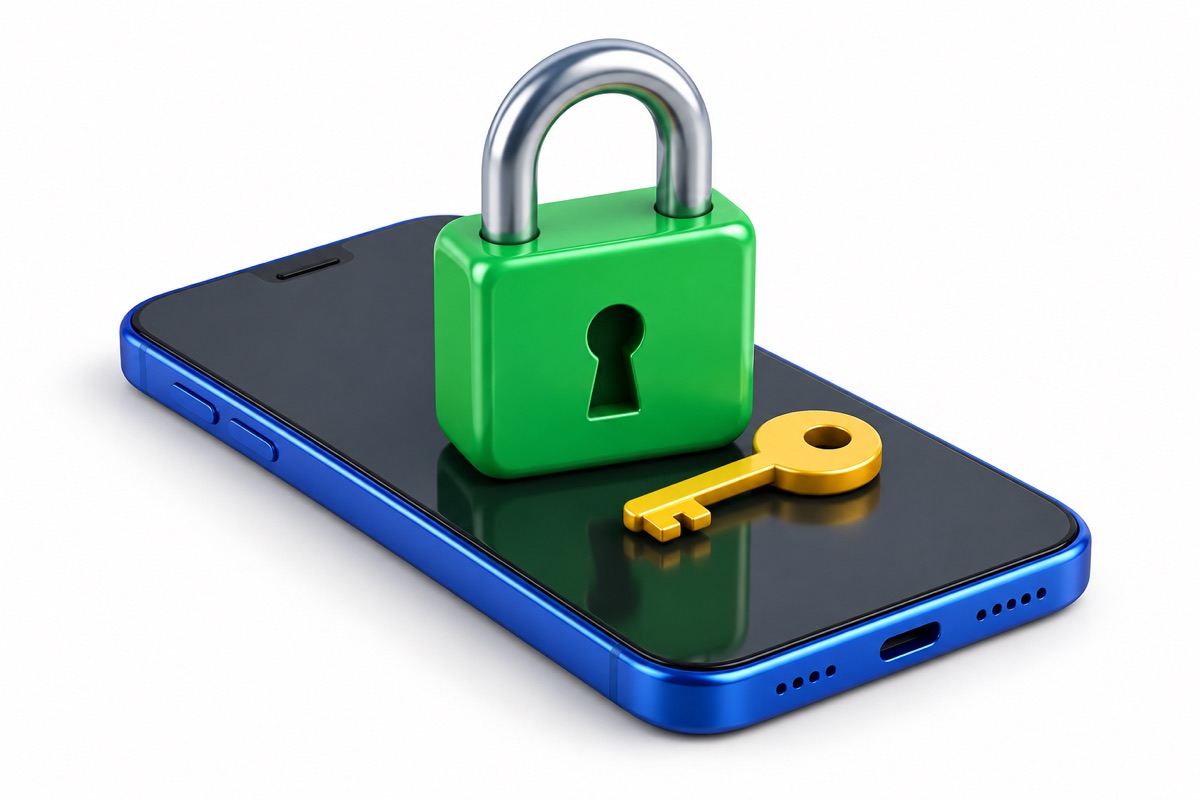
Your browsing history belongs on your device, not on anybody's server.
Why Sage Showbrowser
Not slogans — each one can be checked in the app that ships.
Banking, shopping, video, government portals. No switching browsers to get something done.
The browser has no account and no cloud sync: history and passwords stay on your device. Sage's coming mail service does use an account — that is email, not the browser.
No sync, no Chrome Web Store, no macOS yet. We say so up front instead of in the small print.
Built in
A few highlights. The full feature list (Thai) is written from the shipping settings screen.
EasyList and EasyPrivacy, with no extension to install. It can reduce unnecessary requests; actual load time depends on the site and network, and blocking can be paused for any one site.
Connections are upgraded on their own, with a full-screen warning when a site cannot manage it, and your network cannot see which sites you visit.
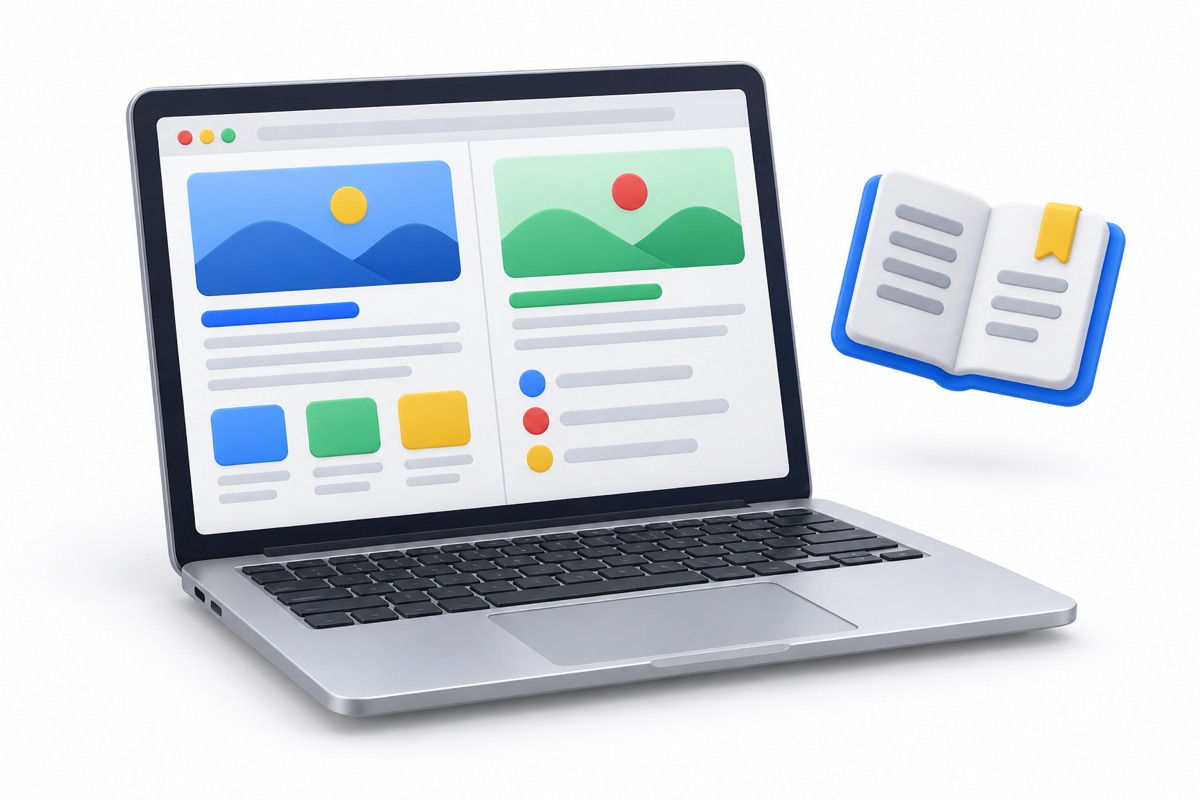
Two pages side by side in one window.
Find out whether a saved password has leaked, without the password leaving your device.
Everything but the article, gone.
Camera, microphone, location and notifications are granted one site at a time, and taken back whenever you like.
Built by Sage, a Thai team, with Thai as the first language of every menu, setting and security warning — and English alongside it.
Questions
Yes — banking, shopping, social, video and government sites open normally. If ad blocking breaks a page, pause it for that site. Sage Showbrowser is not a VPN: it does not hide your IP address or unblock blocked sites.
The browser does not: history, bookmarks, passwords and site permissions stay on your device, with no account, and usage counts are sent only if you agree when the app first asks. Sage Seemail (email) and Sage Safe (file storage), Sage's account-based services, are different — they store your mail and files on servers in Thailand. Machines scan them for spam, viruses and search, but their contents are never used for ads; see the Sage Seemail privacy policy at signup.seemail.show/privacy.
Yes. No ads in the browser, no paid tier and no in-app purchases.
Windows 10 and 11 (64-bit), and iPhone and iPad on iOS 17 or later. The Android app is available on Google Play. There is no macOS or Linux version yet.
The installer is not code-signed yet, so Windows may warn about it. Choose “More info”, then “Run anyway”. Only download it from this site.